Real-time trolley tracking
Every trolley carries an RFID or QR tag. Readers at bays, doors and kerbs log each movement, so your fleet position is always current rather than a guess based on last week’s count.
Trolley Management System
A trolley that nobody can find is the same as a trolley you never bought. The Heegan Trolley Management System tags each trolley, watches how your fleet moves through the day, and tells your team exactly where to redistribute — so passengers find a trolley when they need one, and you stop replacing units that were never really lost.
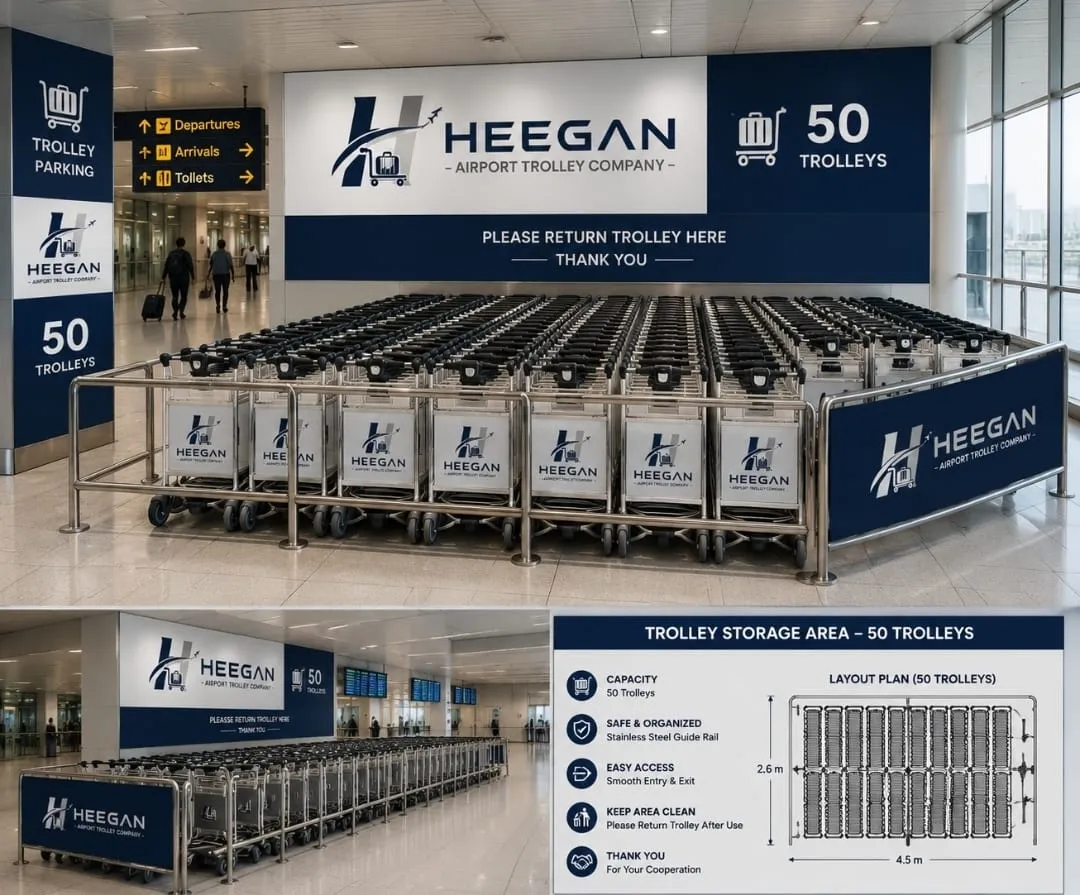
Most trolley fleets are managed by memory and habit. Someone walks the terminal, notices a bay is empty, and radios a colleague. Nobody knows the real fleet size, because the only number on record is how many were bought three years ago.
The Heegan Trolley Management System replaces that with something simple: every trolley carries a small, durable tag. Readers at each bay and doorway log the trolleys that pass. Your team opens a dashboard and sees, right now, how many trolleys are in each bay, which ones are running empty, which units are due for repair, and which trolleys have left the site entirely.
You do not need to buy new trolleys to use it. If you already own a fleet, we tag what you have and bring it onto the system.
Features
No spreadsheets, no manual counts, no radio calls to find out whether the kerb has run dry.
Every trolley carries an RFID or QR tag. Readers at bays, doors and kerbs log each movement, so your fleet position is always current rather than a guess based on last week’s count.
One screen shows how many trolleys sit in each bay right now, which zones are running empty, and which are overflowing. No spreadsheets, no radio calls to check.
When a bay drops below its minimum, the system alerts your collection team and suggests the nearest bay with a surplus — so trolleys get moved before passengers notice a shortage.
Log a wobbling castor or a failed brake from a phone at the bay. The trolley is flagged, pulled from service, and scheduled for repair, with a full history kept per unit.
See which bays are busiest, and at which hours. Use real demand data to place bays where passengers actually need them and to justify fleet size at budget time.
Trolleys that leave the boundary or stop reporting are flagged immediately, so they can be recovered the same day instead of quietly written off at the end of the year.
The dashboard
An illustration of the live view your operations team signs in to. Figures shown are examples.
Illustration only — your dashboard is configured around your own bays and terminals.
The result
Up to 60%
reduction in annual trolley losses
Tagged trolleys are traceable, and trolleys that leave the perimeter are flagged the moment it happens — so recovery is a same-day task instead of an annual write-off.
Up to 30%
lower fleet running costs
Collection rounds follow the data rather than a fixed timetable. Teams walk fewer empty laps, replacement spending falls, and maintenance happens before a small fault becomes a scrapped unit.
< 2 min
target wait for an available trolley
A trolley waiting at the kerb is the first thing a passenger touches at your airport. Keeping every bay stocked removes a small frustration at exactly the moment first impressions are formed.
Figures are indicative and based on typical fleet performance. Your results depend on fleet size, site layout and passenger volumes.
Getting started
From first site visit to a live dashboard is typically two to four weeks, scheduled around your operations so nothing is interrupted.
Each trolley — whether we supplied it or you already own it — is fitted with a durable RFID or QR tag and registered in the system with its own service history.
Compact readers go in at your trolley bays, terminal doors and kerbside points. They need only power and a network connection, and they log every trolley that passes.
Your team signs in from any browser or phone and sees the whole fleet at a glance: stock per bay, alerts, maintenance queue and demand patterns for the day.
Collection rounds follow live alerts instead of fixed timetables, faulty trolleys leave service early, and monthly reports show exactly where your fleet is working hardest.
We usually reply within one working day.
Book a demonstration and we will show you the dashboard using your terminal layout, your bays and your trolley numbers.
Or call us directly on +252 61 889 9982